 Solidly
Solidly V3 lets you claim all eligible rewards or select individual rows
Solidly V3 lets you collect claimable rewards together on the connected chain or choose individual reward rows. Claim All covers that chain, while Claim Selected limits the request to checked rows. Each row also has its own Claim button. Pending rewards need a sync, and the security buffer must finish before claiming opens.
· updatedYou can collect liquidity or voter earnings and select rewards by token or pool. Their token amounts, readiness and chain determine what a claim can include. A combined dollar figure does not remove those boundaries.
A Solidly V3 reward row can include pending earnings, so selecting that row does not make its entire balance claimable.
Checked rows narrow the claim
Checking individual reward rows changes the main button from Claim All to Claim Selected, so the selection controls which ready rewards the request includes. With no row selection, Claim All collects eligible rewards on the current chain. The per-row Claim button provides another way to collect one token or one pool without making a broader selection. The token amounts attached to each row identify the rewards covered by that selection.
Checking rows does not synchronize pending earnings or shorten the security buffer.
Liquidity and voter rewards identify different earnings
Liquidity rewards contain earnings from liquidity positions, while voter rewards contain fees and bribes earned through veSOLID voting. The liquidity group separates trading fees, SOLID emissions that voters direct to the pool and LP bribes. A pool's voting support affects its SOLID emissions; the choice between Claim All and Claim Selected concerns collection of rewards that the interface already records.
A sync and a security buffer govern claim readiness
V3 calculates rewards off-chain and publishes the calculation on-chain as a Merkle root. A claim uses a proof against that root.
Claimable Rewards shows rewards that have synced and are ready for collection. Pending Rewards covers earnings awaiting the next L3 sync. Total Rewards combines both categories. A large Total therefore does not mean the full balance can enter a claim immediately.
Pending grows as rewards accrue between syncs. A new root represents the updated off-chain reward calculation. Sync L3 Data submits that update when a fresh root is ready and the wallet is connected. Rewards remain recorded while they are pending.
After a new Merkle root arrives, its security buffer must elapse before claiming opens. During that interval, third parties have a window to challenge the root. The countdown shows when this waiting period ends; Completed means that the buffer has elapsed.
Before sending each claim, the app checks the reward snapshot again. If that snapshot requires synchronization, it withholds the claim and draws attention to Sync L3 Data. An earlier balance display therefore does not establish that the same claim can proceed without another sync.
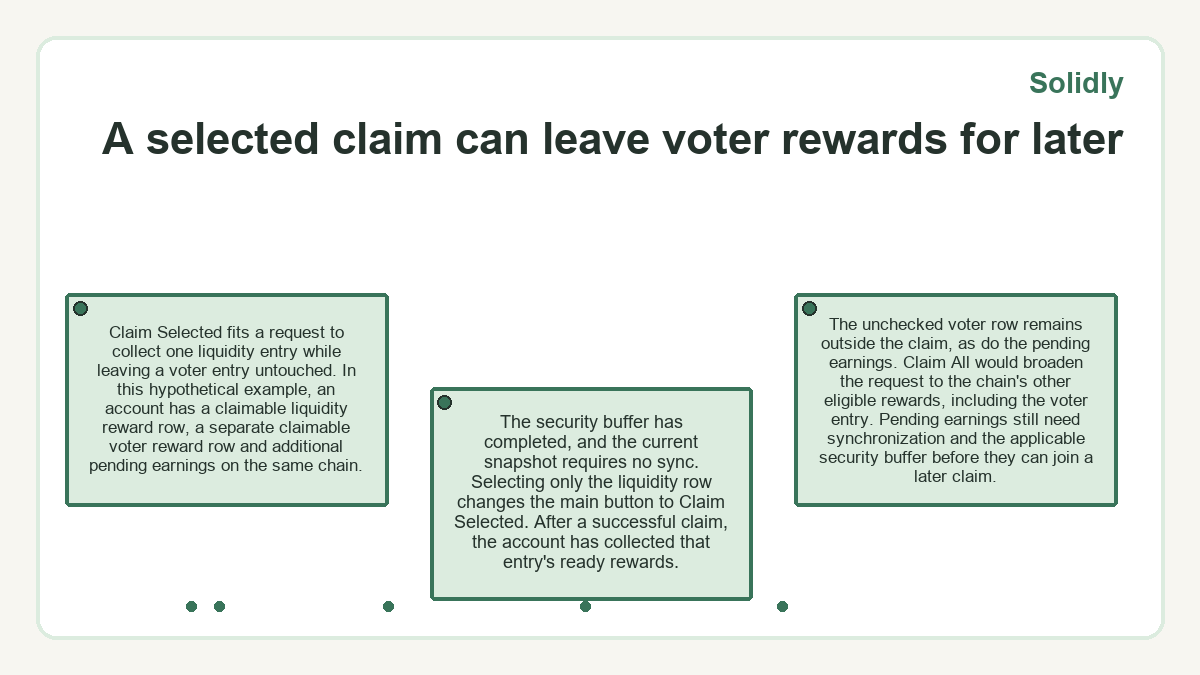
A selected claim can leave voter rewards for later
Claim Selected fits a request to collect one liquidity entry while leaving a voter entry untouched. In this hypothetical example, an account has a claimable liquidity reward row, a separate claimable voter reward row and additional pending earnings on the same chain. The security buffer has completed, and the current snapshot requires no sync.
Selecting only the liquidity row changes the main button to Claim Selected. After a successful claim, the account has collected that entry's ready rewards. The unchecked voter row remains outside the claim, as do the pending earnings.
Claim All would broaden the request to the chain's other eligible rewards, including the voter entry. Pending earnings still need synchronization and the applicable security buffer before they can join a later claim.
Why does Solidly show root Candidates Incoming?
Root Candidates Incoming appears when the first L3 processor has submitted a candidate root and the system is waiting for the second processor to cross-check it. The disabled message replaces Sync L3 Data. This processor wait precedes the security buffer, which begins after publication of a new Merkle root.
Wallet-menu claims remain specific to each chain
The wallet menu displays claimable totals across supported chains, and its Claim action switches to the chain associated with the chosen row. V3 rewards must be claimed on the chain where they were earned. The menu fetches a fresh proof for that chain's claim without requiring you to leave the menu. A combined Total claimable figure helps locate rewards; it does not combine the chains into one claim.
Other row actions reflect different prerequisites. Sync switches networks and opens the Rewards page with Sync L3 Data highlighted. Wait means that the chain's security buffer is still running. Selecting the chain row itself switches the wallet's network.
Missing prices and unavailable chains change dollar totals
The wallet summary can show an incomplete dollar total when chain data is unavailable or reward tokens lack USD prices. An Unavailable chain row means the app cannot reach that chain's data. The panel then warns that the aggregate is partial. Unpriced reward tokens receive a separate count, so an absent dollar contribution does not establish an empty token balance.
A refresh failure creates a different limitation. The whole summary may be temporarily unavailable, or the menu may retain its last verified total and report that it could not refresh. An older figure describes the data that remained available, not necessarily the current amount. On the Rewards page, token quantities appear alongside dollar valuations, with Claimable and Pending columns separating the parts that are ready from those awaiting synchronization.
Ethereum rebases have a separate rewards tab
On Ethereum, an extra Rebase tab holds veSOLID rebase distributions. It provides a separate reward view alongside the liquidity and voter sections.
Solidly FAQs
How can I tell when a reward figure was calculated?
Each of the Claimable, Pending and Total reward cards shows the calculation block and how long ago the calculation occurred. Those details identify the displayed reward snapshot.
Why does the Rewards page show a value below $0.01?
A reward row with a dollar value under one cent displays < $0.01. The row also lists the token amount, so the abbreviated dollar label does not replace the token quantity.
Which API fields help an integration distinguish claim states?
The Claimable Rewards API documents syncRequired and claimState as fields that the interface uses to choose between Claim, Sync and Wait. An integration can use those fields to distinguish a required update from a claim-ready state or a running security buffer.
Will refreshing the Rewards page replace existing rows with placeholders?
A later refresh keeps existing reward rows visible on the Rewards page. Gray placeholder bars appear during the initial load.
What does No rewards for this account mean on the Rewards page?
The table displays No rewards for this account when it has no rewards to show for the connected account.
Does the claiming status confirm that rewards have arrived?
Claiming indicates that a claim is still in flight. The label identifies a request in progress, so it does not by itself establish a completed reward transfer.